Blog
Notes from SwitchDesk
How-tos and dated comparisons on recording calls, dictating, screen videos and to-do lists, from the Mac app that does all four.
8 posts, newest first
More posts
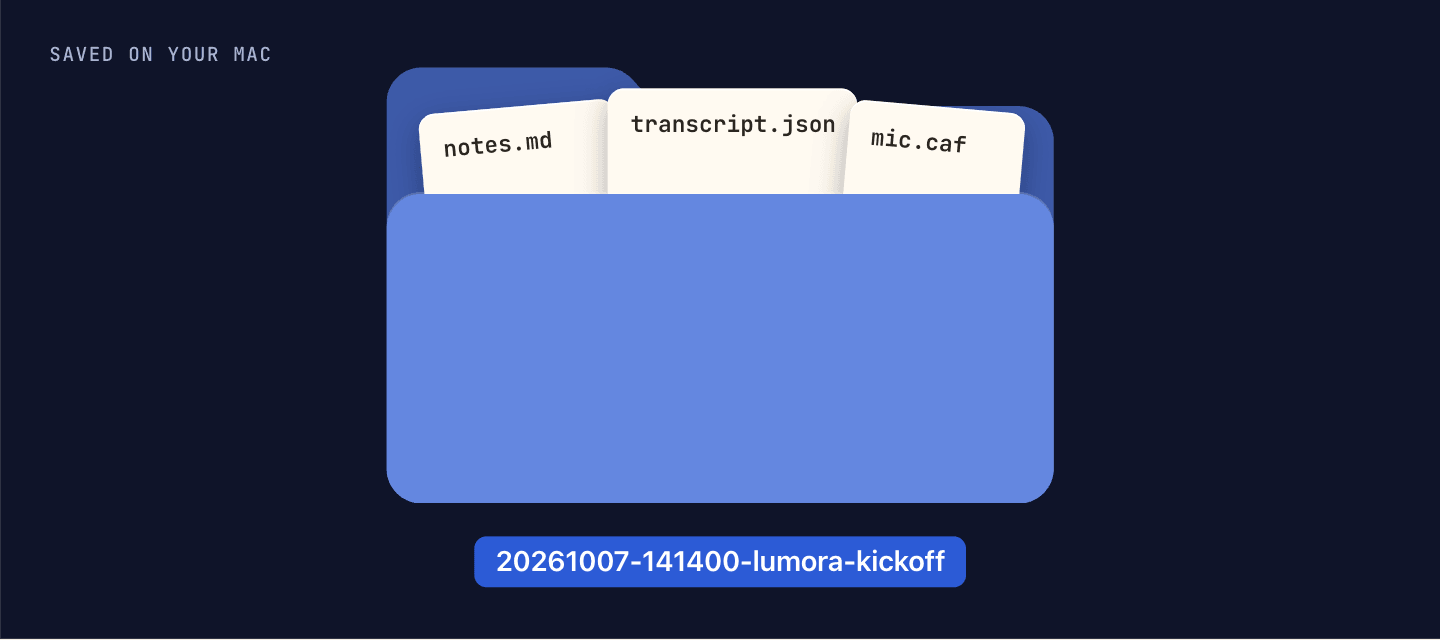
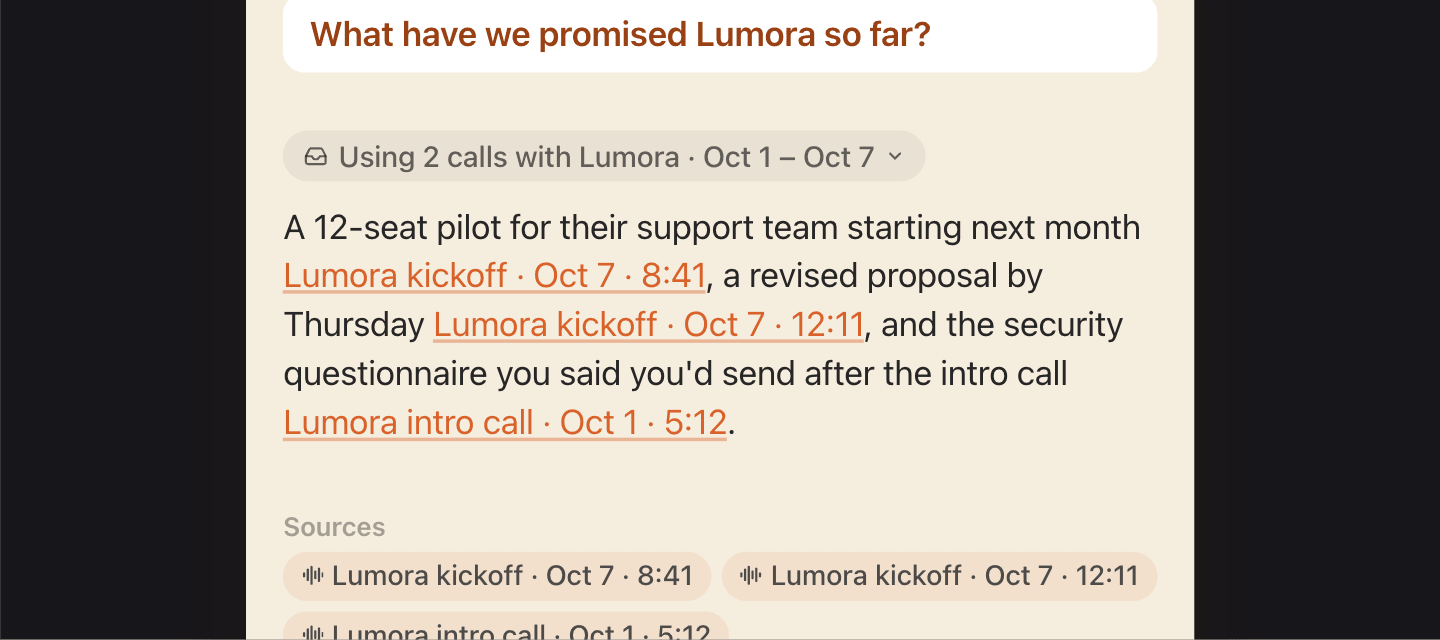
Search every call you’ve recorded: how cross-meeting Ask works
What happens between a question and its answer: the calls it finds, what it reads, and how it cites.
Read the post →Async video for sales follow-ups: a 2-minute template
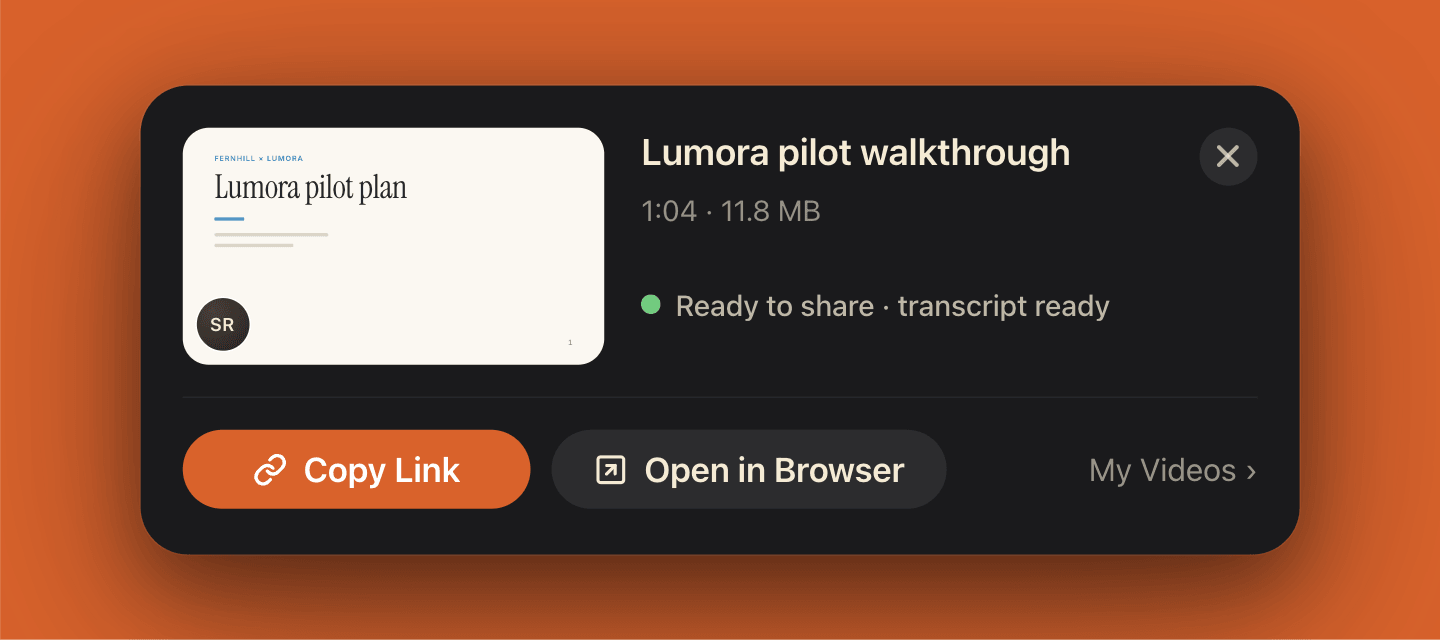
A five-beat script for a follow-up video under two minutes, with a worked example and a template to copy.
Read the post →One to-do list for work and family — without mixing them
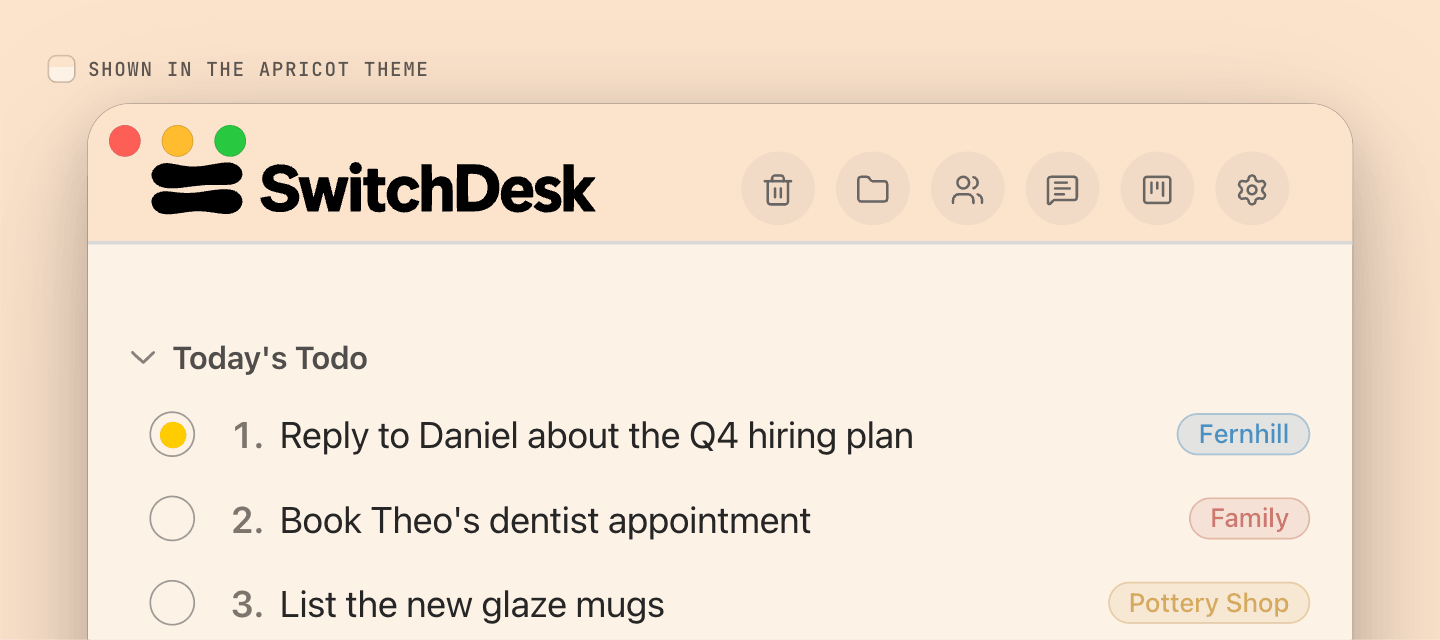
Four categories in one list, tagged in Today’s Todo, and only the work category shared with your team.
Read the post →How to record Google Meet on Mac without a bot
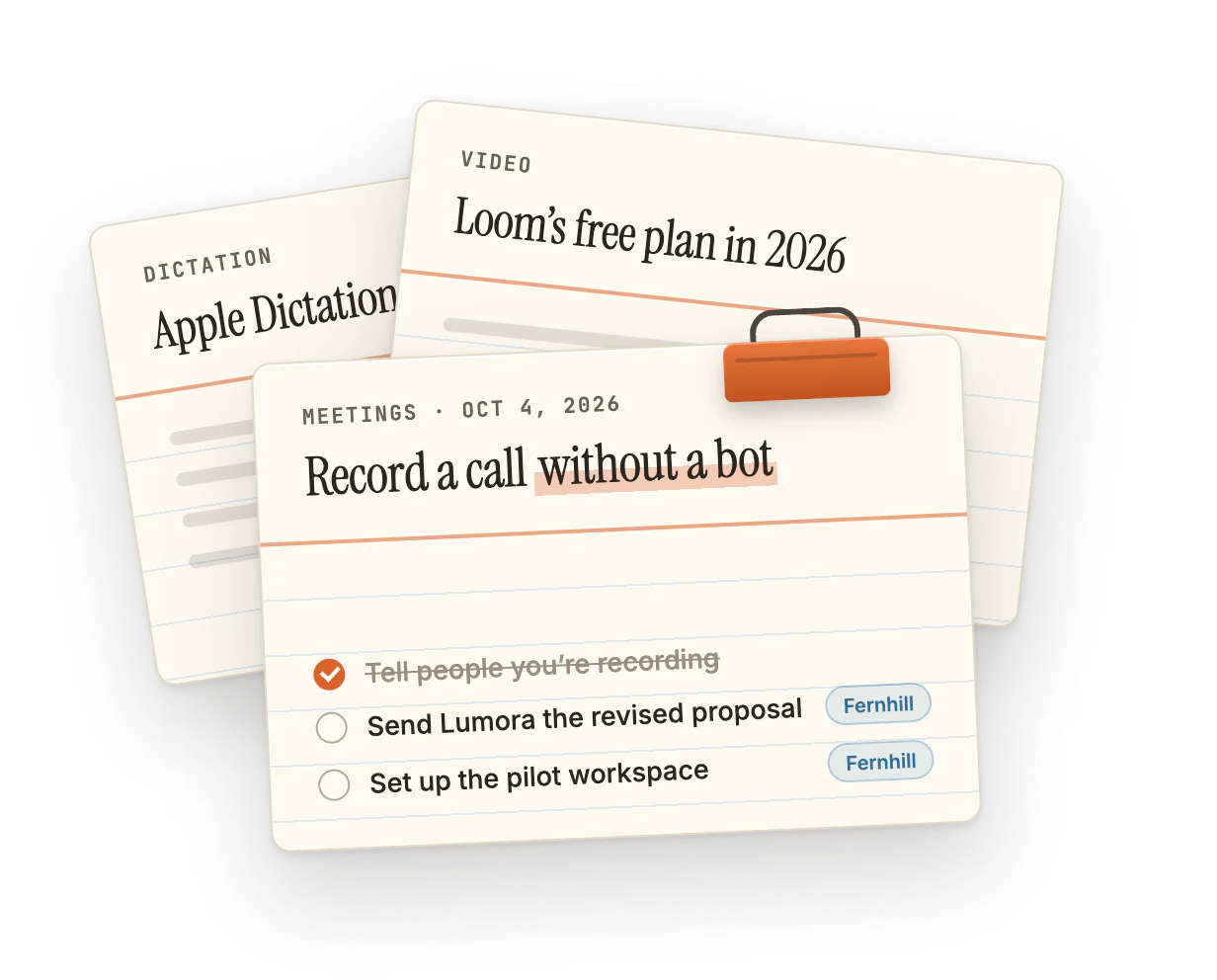
Meet’s Record button, the Mac’s screen recorder, or a desktop app: what each one captures, and who gets told.
Read the post →Loom free plan 2026: limits and alternatives
25 videos, 5 minutes each, no downloads: what Loom’s Starter plan allows now, and where to go when you outgrow it.
Read the post →Apple Dictation vs AI dictation apps on Mac
What the built-in Dictation does well, what AI apps add on top, and a five-minute test to pick between them.
Read the post →Turn meeting notes into to-dos automatically
Why action items die in the notes, a two-minute habit that fixes it, and how SwitchDesk suggests them, filed by category, when the call ends.
Read the post →
No posts on that topic yet.
SwitchDesk 1.0.3 (build 265)Meeting Automations activity now shows your five latest sends, with paging for the rest. - SwitchDesk 1.0.3 (build 264)Ask for an email and get two or three drafts to choose from.
- SwitchDesk 1.0.3 (build 263)Voice commands fold away in Settings until you want them.
- SwitchDesk 1.0.3 (build 262)Checked-off items can sink to the bottom of their own section.