Compare · All-in-one
Replace four subscriptions with one Mac app
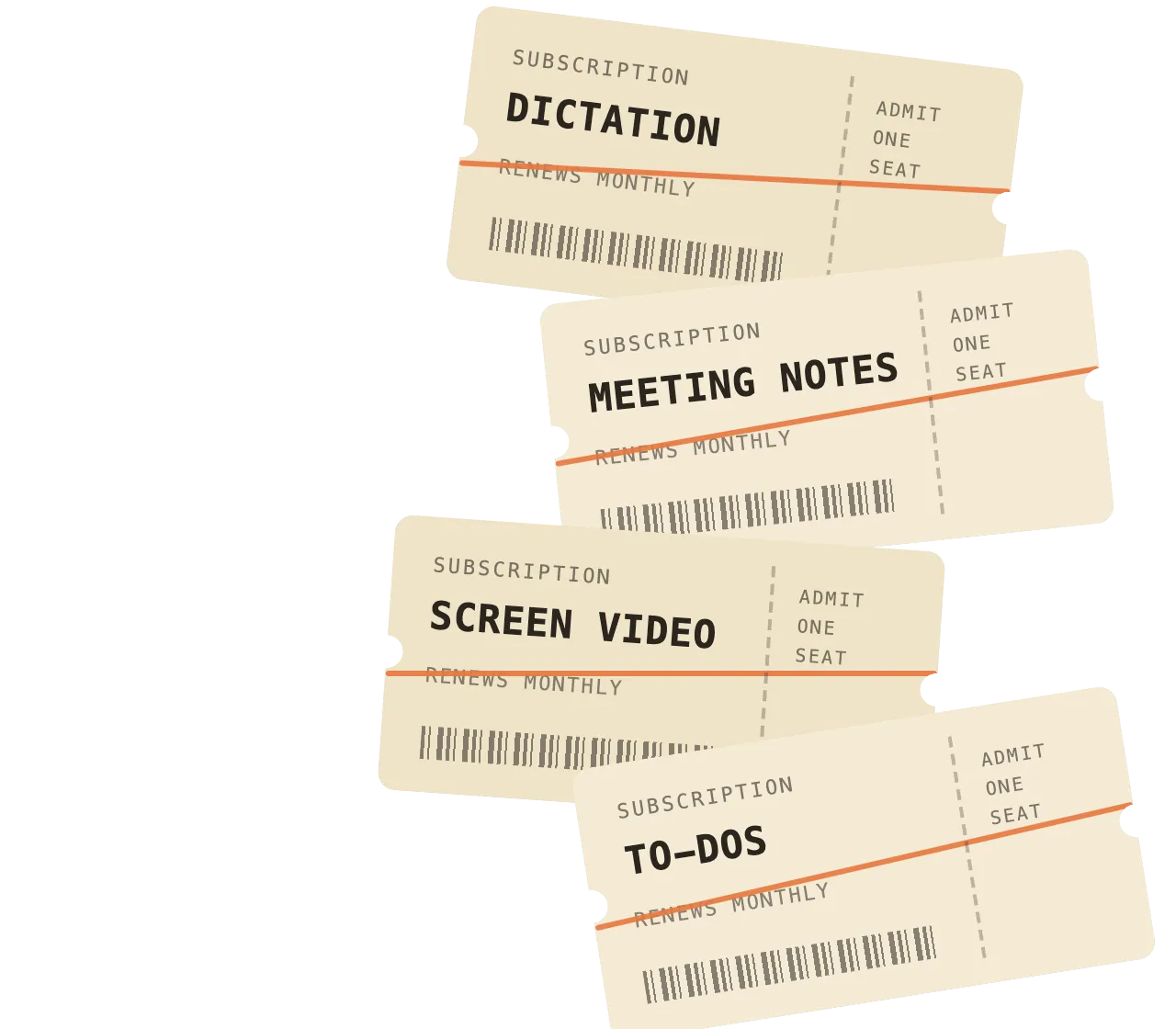
Dictation, meeting notes, screen videos and your to-do list, from $12/mo billed yearly. Uncheck the apps you don’t pay for and the total updates.
Prices last checked
macOS 14.6 or later · 14-day free trial
Four tools · One list for your to-dos · Saved on your Mac first
Your subscriptionsMonthly · per person
$12$12 $14$14 $15$15 $5$5
Subtotal
SwitchDesk EssentialBilled yearly
Teams are in both plans. Each member has their own.
You keep
SwitchDesk billed yearly. † Granola: monthly only; Wispr Flow: Pro, billed yearly; Loom: Business, billed yearly; Todoist: Pro. Others: monthly price, billed yearly where offered. Uses each app’s per-user price shown; their team plans may cost more or less.
Last checked · Wispr Flow · Granola · Loom · Todoist
Wispr Flow Pro also includes meeting notes, with weekly limits; Granola is listed here for meeting notes without a weekly limit. Competitor prices are per person, before tax.
What you’d replace
What SwitchDesk does instead, and what you’d give up
If you need what’s in an app’s “give up” column, keep that app.
SwitchDesk does
Hold Globe, talk, let go: clean text lands where your cursor is. Commands add to-dos and start timers.
What you’d give up
Windows, an iPhone keyboard, a free tier and 100+ languages.
SwitchDesk vs Wispr Flow →Meeting notes
Granola $14/mo2
SwitchDesk does
Records your mic and the call’s audio as two tracks on your Mac, with no bot. Notes, Ask, and suggested to-dos.
What you’d give up
Windows and phone apps, shared folders and note templates, and a more mature notepad.
SwitchDesk vs Granola →Screen video
Loom $15/mo3
SwitchDesk does
Screen, Window or Area, with your camera in all three. The share link is on your clipboard when you press Stop.
What you’d give up
Windows, Chrome and phone recording, an editor, comments and reactions, and enterprise admin for a big shared library.
The Loom alternative page →To-dos
Todoist $5/mo4
SwitchDesk does
Say “add a todo …” and it’s filed under the right category. “Today’s Todo” and “This Week’s Todo”, plus to-dos from your calls.
Shown in the Midnight Blue theme
Your dictated to-dos and your calls’ action items land in one list.
Dictate a to-do and it’s filed under Fernhill. End the Lumora kickoff and its action items are one click away. Record the walkthrough, send the link, and check its to-do off.
Voice Dictation “add a todo prep pricing slides for Thursday”
SwitchDesk’s dictation pill: “Todo Added”. Meeting Notes the Lumora kickoff, then “Add all”
SwitchDesk’s meeting recording pill: Recording · Lumora kickoff, 12:01, with Open, Stop and Cancel buttons. Create Video the pilot walkthrough for Joe
SwitchDesk’s screen-recording pill: Recording screen, 0:06, with Stop and Cancel buttons.
Sam’s list in Midnight Blue: the dictated to-do and a call’s action item under Fernhill, and the walkthrough to-do checked off.
Animation added for this page. Videos don’t create to-dos: recording the walkthrough checks its to-do off.
Before you replace four apps
More in Help →Is there a free plan?
Can I import from Wispr Flow, Granola, Loom or Todoist?
Is the price per person?
Where does the $46 come from?
What if I only need one of the four?
Does SwitchDesk run on Windows or iPhone?
Sources
- Wispr Flow pricing · read
- Granola pricing · read
- Loom pricing · read
- Todoist pricing · read
- Wispr Flow homepage · read
Receipt prices come from each app’s own pricing page, read Oct 4, 2026, in US dollars before tax.