Search every call you’ve recorded: how cross-meeting Ask works
Sam Rivera has had two calls with Lumora: the intro call the week before, and Wednesday’s kickoff. Before he writes the revised proposal, he wants every promise in one place. Instead of reopening both calls, he asks.
Ask a question across your calls, get sources back
In the Meetings window, Sam types “What have we promised Lumora so far?” into “Ask me about any past meetings”. Each claim in the answer links to the moment it came from. Pick a source, and the call opens on its transcript at that line, with the find bar reading “At 8:41”. Try it below.
Ask across all past meetings: "What have we promised Lumora so far?" — answered "A 12-seat pilot for their support team starting next month, a revised proposal by Thursday, and the security questionnaire you said you'd send after the intro call." Sources: Lumora kickoff · Today · 8:41; Lumora kickoff · Today · 12:11; Lumora intro call · Thu last week · 5:12.
A 12-seat pilot for their support team starting next month Lumora kickoff · Today · 8:41, a revised proposal by Thursday Lumora kickoff · Today · 12:11, and the security questionnaire you said you'd send after the intro call Lumora intro call · Thu last week · 5:12.
Showing Lumora kickoff · Oct 7 · 8:41
The Lumora kickoff transcript, opened at 8:41.
The Lumora intro call transcript, opened at 5:12.
Here’s what happens between the question and the answer, so you know what was read before you trust it.
01On your Mac
Find candidate calls
Names, dates and rare words in your question become a shortlist.
02AI model
Pick the calls
A one-line catalog of your meetings goes out. The model names the calls that fit.
03AI model
Read them
Up to 12 calls, oldest first, in whole turns, within 300,000 characters.
04Answer
Cite every claim
Each claim links to its moment. Two requests to the AI model at most.
Step 1: SwitchDesk finds candidate calls on your Mac
Before anything is sent, SwitchDesk reads your question against its own index of your meetings, on your Mac. Three things count:
- Names. People and companies are matched exactly, with or without spaces, or with one typo, so “Lumra” still finds Lumora. A name that’s linked to a call by its attendees, its category or its title counts most, so name calls after the client: a title like “Lumora kickoff” links the call to Lumora as surely as the people on the invite do.
- Dates. Phrases like “last week” are read as dates and used to order the calls. They hint at where to look; they don’t fence the answer in.
- Keywords. With no name in the question, the rarest words do the work. A word that appears in a handful of calls is a strong signal; one that appears in all of them isn’t.
The result is a shortlist. The answer comes from an AI model in the next steps.
Step 2: an AI model picks the calls to read
On the first question in a thread, SwitchDesk sends an AI model a catalog of your meetings: one line per call, with its date, length and title, the companies linked to it (or its category), how many people were on it and a gist of up to 12 words. The model picks the calls that fit the question. SwitchDesk’s own shortlist goes after its picks, and the first 12 are read in depth.
Under your question, a chip shows what was read: “Using 2 calls with Lumora · Oct 1 – Oct 7”. Open it to uncheck a call or add one, then choose “Re-run”. If a question has two equally good readings, it asks which one you meant before it reads anything.
Follow-ups reuse the same calls unless they name a date, or a subject with more calls than the 12 it reads in depth. Ask “What did Joe say about rollout?” next, and the thread carries on from the same two calls.
Step 3: the chosen calls are read in order, oldest first
The calls go to the model in the order they happened, each with its date, its notes, your own notes and its transcript. When the set fits in 300,000 characters (about 50,000 words), the transcripts go in whole. When it doesn’t, each call gets a share: first the passages that match your question, then how the call opened and how it closed, then the rest.
Turns are never cut in half, and gaps are marked, so the model knows when something was left out rather than assuming it wasn’t said. Speaker names travel with the transcript only for calls where they were identified. Names come from Google Meet’s own captions; on other call apps, lines read “Me” and “Them”.
Step 4: the answer arrives with its sources
The answer streams in with a source after each claim, in the format “Lumora kickoff · Oct 7 · 8:41”: the meeting, the day and the minute. The same sources sit under the answer as chips.
Each question makes at most two requests to the AI model: one to pick the calls and one to answer. When no call matches, it doesn’t guess. The model sees the calls closest to what you asked and tells you it didn’t find it.
Threads are saved on your Mac, so a question you asked on Monday is still there, sources and all, when you open the pane again.
Search when you remember the word
Ask is for questions. When you remember a word, search is faster. Type it into “Search meetings, people, what was said” and add a person as a chip. Search runs on your Mac. Results rank titles, people, notes and transcript passages, with “Best matches” at the top, and each opens the call where it matched, with the word highlighted. If what you typed reads like a question, the results offer “Ask about your meetings” at the top.
The SwitchDesk Meetings window: the meeting list (Lumora kickoff, Onboarding design review, Marlow & Finch renewal call, Weekly team sync, Lumora intro call) with “Lumora kickoff” open, opened from a search for “pilot”.
Meeting search: “pilot” filtered to Joe Raman — 1 meeting. Best match: Lumora kickoff, Summary: “…Joe asked to see the pilot pricing before the pilot starts; it…”, plus 15 more.
The Meetings window showing “Lumora kickoff” (Wednesday, 2:14 PM · 16:02) on the Call Summary view, with “pilot” highlighted.
Lumora wants a 12-seat pilot for its support team, starting next month. If it goes well they'd roll out to all 40 agents, so the next step is a revised proposal with pilot pricing by Thursday.
- 12 seats for the support team, starting next month
- Rollout to all 40 agents if the pilot goes well
- Revised proposal with pilot pricing due Thursday
- Pilot Scope. Joe wants 12 seats for Lumora's support team to start, beginning next month.
- Rollout Path. If the pilot goes well, Lumora would roll it out to all 40 agents.
- Pilot Pricing. Joe asked to see the pilot pricing before the pilot starts; it goes in the revised proposal.
- Check-in. A pilot check-in with Joe two weeks in.
- 12-Seat Pilot. Start with Lumora's support team next month.
- Two-Week Check-in. Review the pilot with Joe two weeks in.
- You | Send Lumora the revised proposal by Thursday
- Maya | Set up the pilot workspace
- You | Book a pilot check-in with Joe two weeks in
- Share the pilot pricing with Lumora before the pilot starts
- “If the pilot goes well, we'd roll it out to all forty agents.” — Joe
- “We'd want twelve seats to start, for the support team, starting next month.” — Joe
The Meetings window showing “Lumora intro call” (Thursday, 10:30 AM · 6:08) on the Transcript view.
Ask across all past meetings: "What have we promised Lumora so far?" — answered "A 12-seat pilot for their support team starting next month, a revised proposal by Thursday, and the security questionnaire you said you'd send after the intro call." Sources: Lumora kickoff · Today · 8:41; Lumora kickoff · Today · 12:11; Lumora intro call · Thu last week · 5:12.
A 12-seat pilot for their support team starting next month Lumora kickoff · Today · 8:41, a revised proposal by Thursday Lumora kickoff · Today · 12:11, and the security questionnaire you said you'd send after the intro call Lumora intro call · Thu last week · 5:12.
What leaves your Mac when you ask
- On a thread’s first question: a one-line catalog of every meeting (date, length, title, companies, how many people, a short gist).
- Your question, and the text of the chosen calls, go to an AI model, routed through our server and rate-limited.
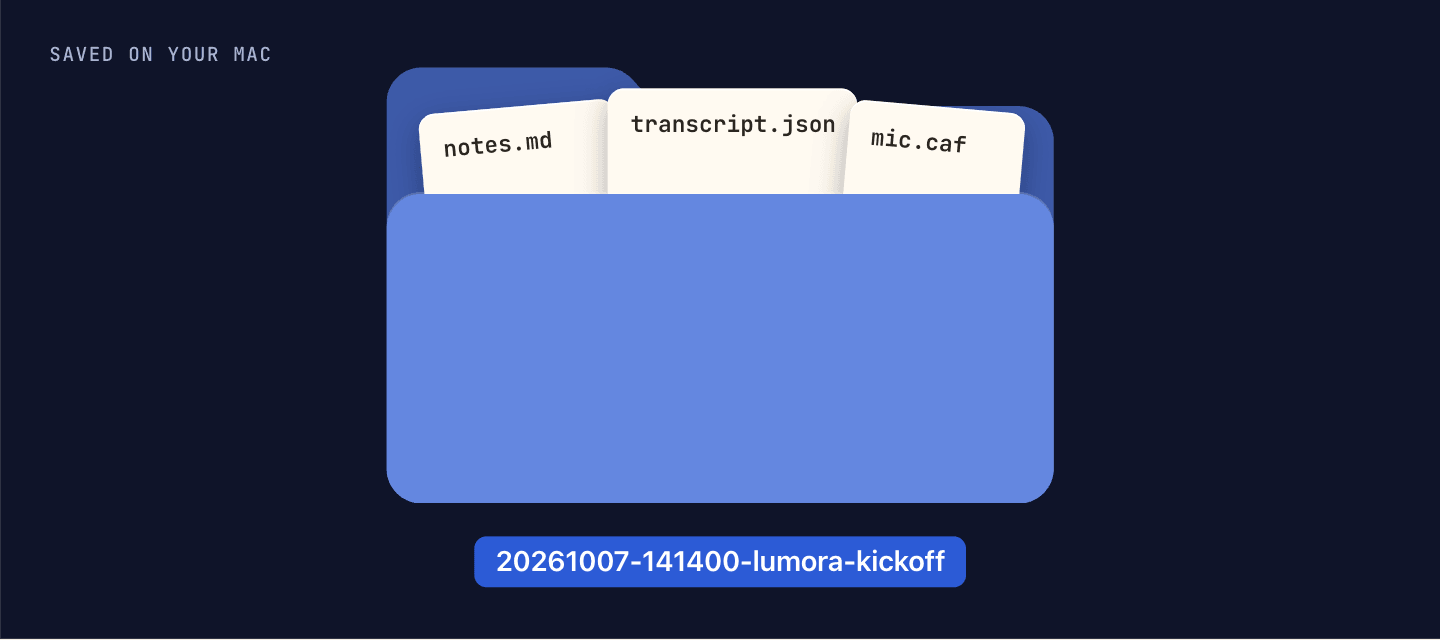
- Asking sends no audio. The recordings stay in each meeting’s folder on your Mac.
- Search sends nothing unless you pick “Ask about your meetings” in its results.
Asking about one call is unlimited on both plans. Asking across all your meetings comes with 15 questions a month on Essential and has no cap on Pro.
See how Meeting Notes records a call →Turn the answer into a 2-minute follow-up video →
Last updated .