Loom free plan 2026: limits and alternatives
Disclosure: SwitchDesk is our app, and it’s one of the options below. It does dictation, meeting notes, screen videos and your to-do list, in one Mac app.
Loom’s free plan is called Starter, and in 2026 it gained a limit on users. Below is what it allows, from Loom’s pricing page and help center (read Oct 5, 2026), and what to use when it stops fitting.
What Loom Starter includes
Fig. 1 has the limits. Here’s what happens when you reach them, and what else comes with the plan:
- At 25 videos, you can’t record new ones. Nothing is deleted. The same applies if you downgrade from a paid plan with more than 25.
- At 5:00, the recording ends and the video’s share page opens. A timer counts down from 5:00 while you record.
- Also included: transcriptions in 50+ languages, comments and reactions, and viewer insights.
One wrinkle: Loom’s Starter FAQ counts “videos and screenshots” toward the 25, while its pricing page and storage article say screenshots are unlimited. If you take a lot of screenshots, keep an eye on the count.
If you’re near the limit, the practical options are to delete videos you no longer need, re-record somewhere else, or pay.
What changed in 2026
The new limit is about people, not videos. Loom’s Starter FAQ says that if your account is integrated with Atlassian systems, Starter is limited to 10 users. That covers accounts that signed up after February 2026, and older accounts once they’ve been integrated. Workspaces that haven’t been integrated still list up to 50 Creator Lite accounts.
When Starter is enough
It works if your videos are short answers, like a bug report or a quick reply, and you keep fewer than 25 at a time. It stops working when:
- a walkthrough runs long and the recording ends at 0:00, mid-sentence;
- you need the MP4 for a course, a client or your own archive;
- a team on a new account grows past 10 people.
What to use instead
Loom Business, if Loom fits the rest of your work
Business removes Starter’s limits. The paid plans, as of Oct 5, 2026:
| Plan | Price per person | What it adds |
|---|---|---|
| Business | $15/mo billed yearly ($18 monthly) | Unlimited videos and recording time, downloads, password-protected videos, Loom branding removed |
| Business + AI | $20/mo billed yearly ($24 monthly) | AI meeting notes and recap emails, plus AI titles, summaries, chapters and tasks |
The Mac’s built-in recorder, if you only need a file
Press ⇧⌘5 and record. You get a file on your Mac with no length limit from Loom, but no link: you upload and share it yourself. Apple’s guide offers microphone choices only, so your Mac’s own sound isn’t in the recording.
How SwitchDesk does it
SwitchDesk, if you want the link and the MP4 on your Mac
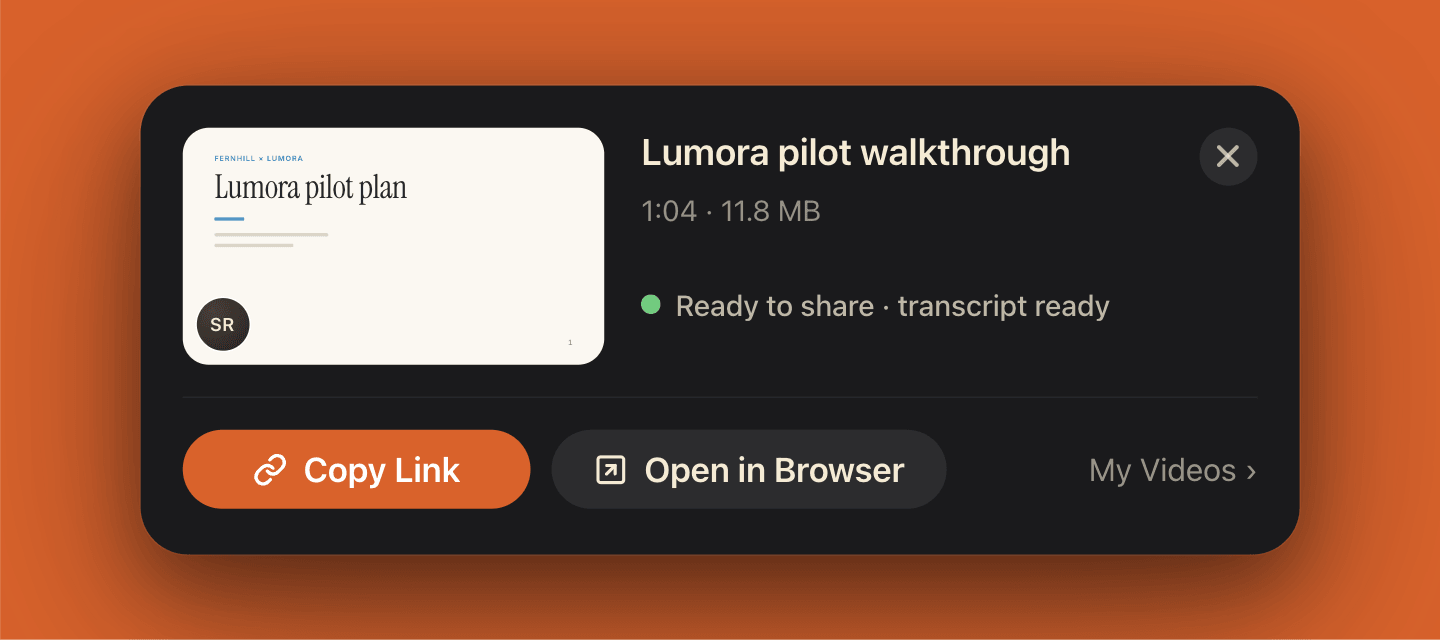
SwitchDesk’s “Create Video” records on your Mac. Pick Screen, Window or Area, turn your camera on, and talk. The link is reserved when you start, so it’s on your clipboard at Stop while the video uploads. Loom copies its link at Stop too; the difference is what happens to the file.
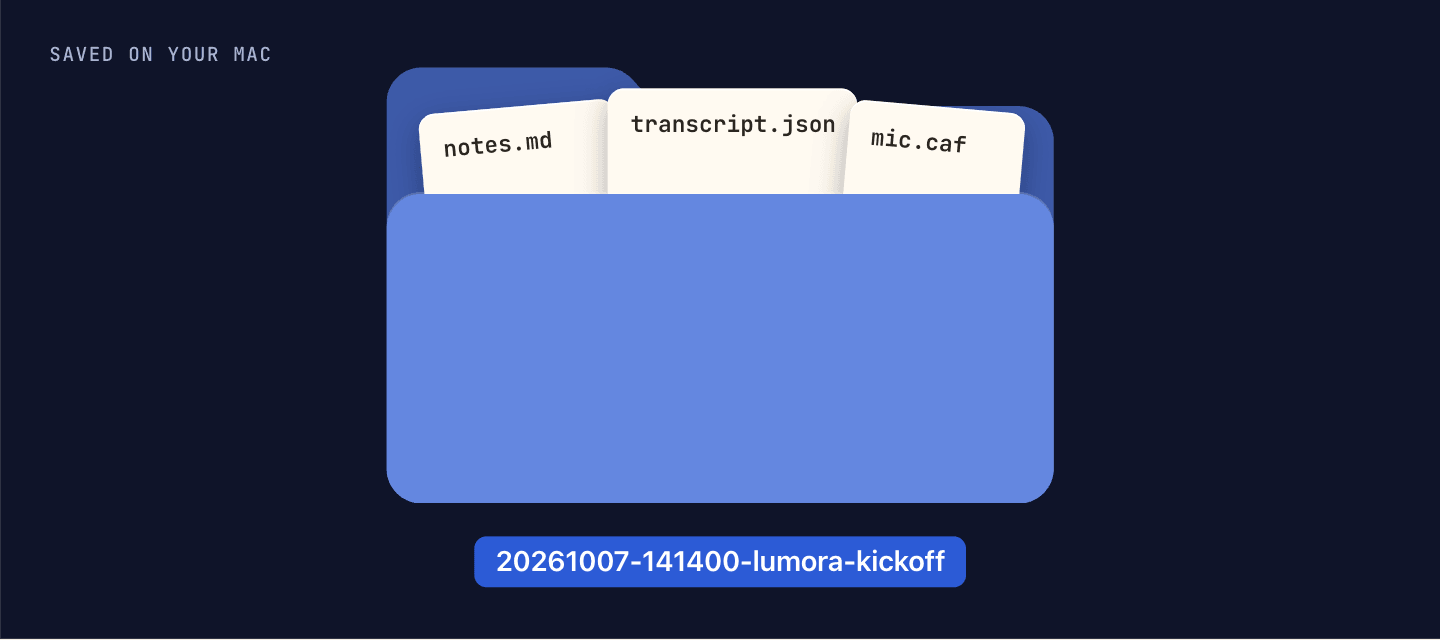
- Saved on your Mac first. Every video is an MP4 on your Mac, shared or not. Sharing uploads a copy for the link.
- A share page with the transcript. Viewers can read along; switch it off per video with “Show Transcript on Share Page”.
- Unlisted links. Anyone with the link can watch. “Stop Sharing…” turns a link off.
- No video cap. Videos are unlimited on both plans, from $12/mo billed yearly ($15 monthly), with dictation, meeting notes and your to-do list in the same subscription. It’s a 14-day trial, not a free plan.
Moving off Starter: a short checklist
See how close you are to 25.
Loom shows how many videos you’ve recorded next to the search bar in your Library.
Decide which videos you need as files.
Starter can’t download. On Business, creators and admins can download each video as an MP4, so upgrade for a month or re-record the few you need.
Record the next one somewhere that keeps the file.
Then paste the new link wherever the old one lived: the doc, the ticket, the onboarding email.
SwitchDesk as a Loom alternative →How Create Video works →SwitchDesk vs Cap →
Sources
- Loom — Pricing · Read Oct 5, 2026
- Loom Help — Starter plan FAQ · Read Oct 5, 2026
- Loom Help — Loom Starter video and screenshot storage limit explained · Read Oct 5, 2026
- Loom Help — How long can I record? · Read Oct 5, 2026
- Loom Help — Download your Loom video · Read Oct 5, 2026
- Loom — Screen recorder (the link is copied to your clipboard when you stop) · Read Oct 4, 2026
- Apple — Mac User Guide: Take screenshots or screen recordings · Read Oct 5, 2026
- SwitchDesk — Settings → Meetings, Settings → Dictation, Settings → Videos and the app’s floating panels, checked in the app’s source · Read Oct 5, 2026
Last updated .